Mastering Brand Consistency: How to Use Style References (--sref) for Web Assets
Stop dealing with random styles. Learn how to use Midjourney v6 Style References (--sref) to generate consistent graphics, illustrations, and assets for your brand.
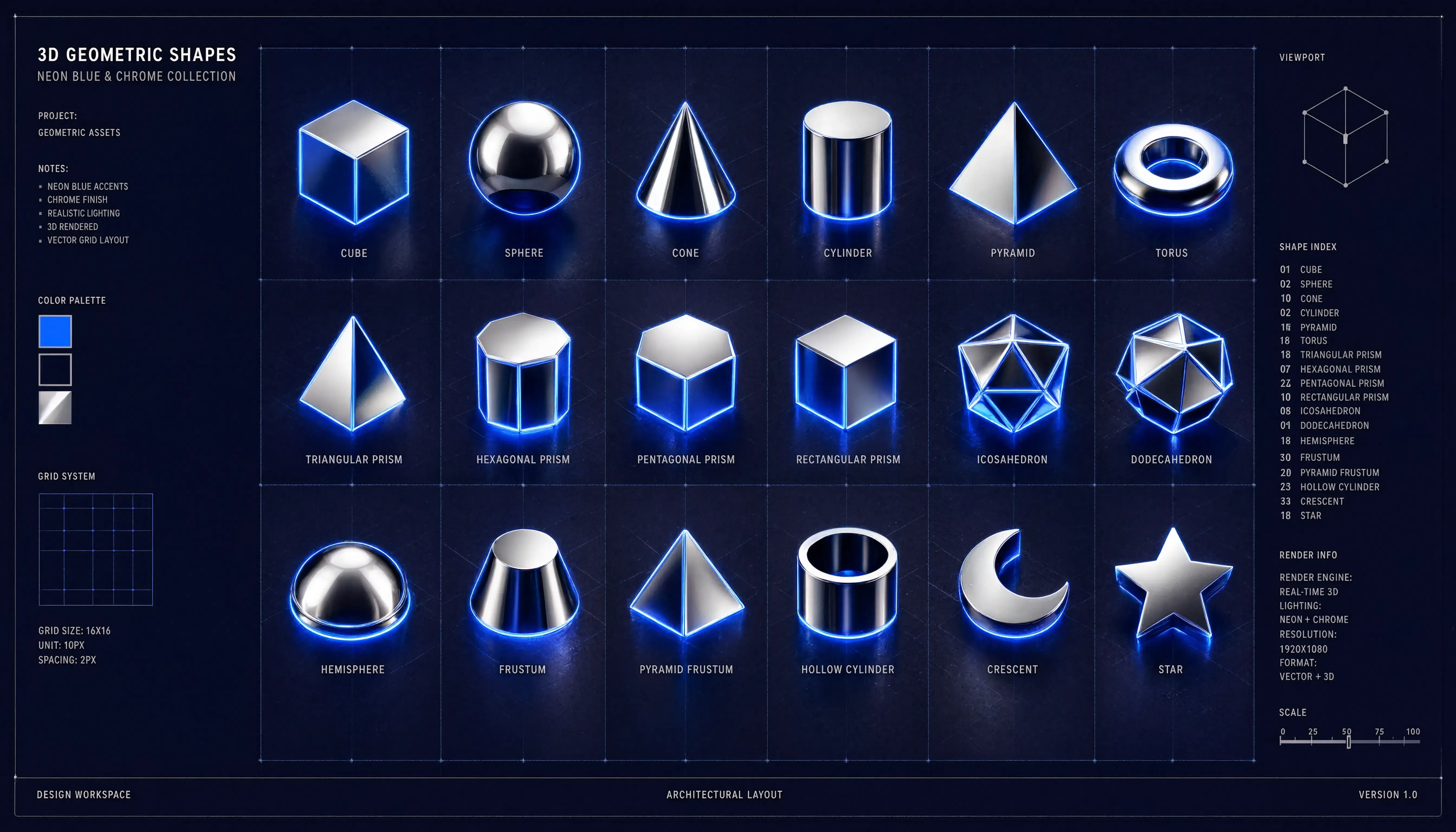
The biggest frustration when building assets for a web application or landing page is visual drift.
You write a prompt and get a beautiful flat-vector illustration for your hero section. But when you write the exact same prompt for your feature section, Midjourney changes the line weights, uses different color gradients, and completely breaks your brand identity.
To solve this, Midjourney v6 introduces the Style Reference (--sref) engine. By passing an image link as a structural anchor, you can force the AI to copy the exact colors, lighting, and textures across hundreds of different graphics.
Here are three production-grade consistency formulas you can copy right now.
1. The Clean 3D App Icon Set
When launching a SaaS app or dashboard, your icons must share the same material properties and lighting angles. The trick is establishing a high style weight anchor.
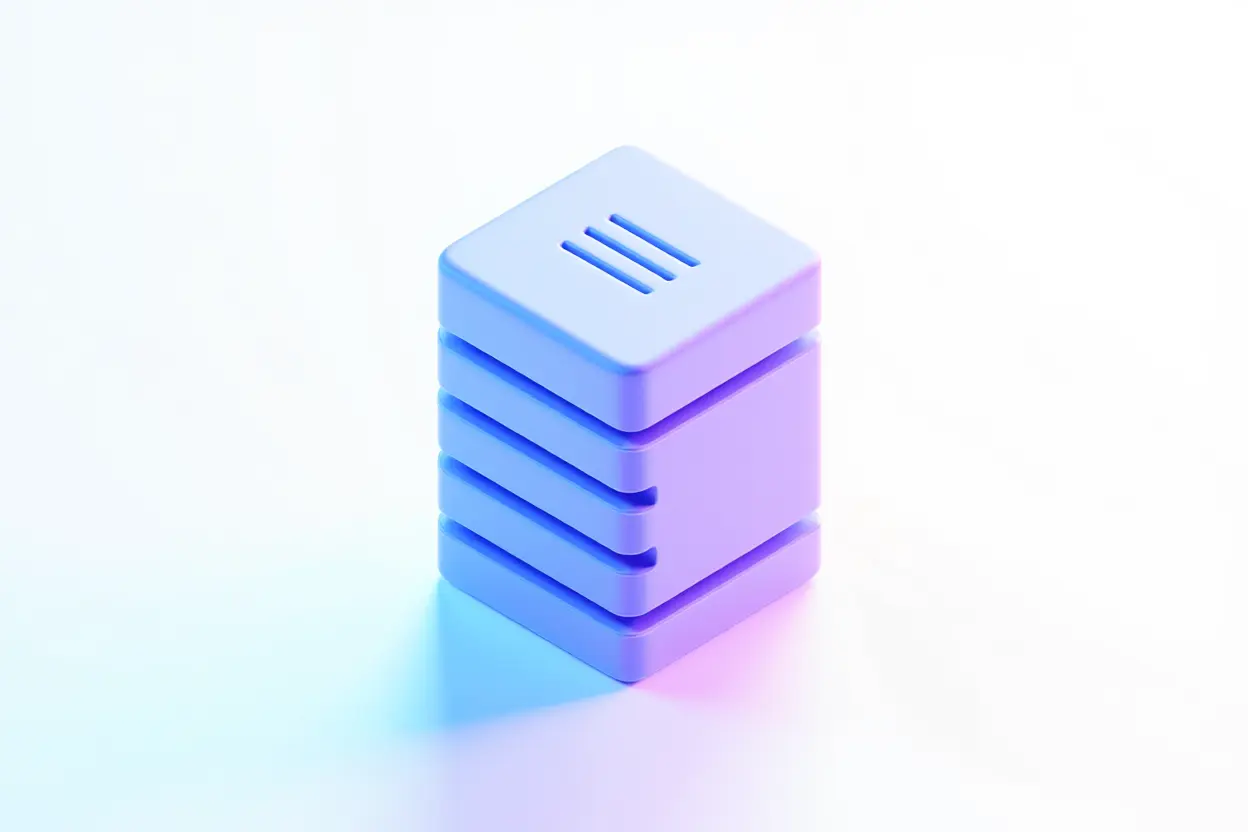
Minimalist 3D asset icon of a database server tower, smooth matte claymation material, pastel blue and soft purple lighting, isolated on a pure white background, corporate tech dashboard element --sref brand-style-anchor.jpg[URL] --sw 800 --ar 1:1 --v 6.0
Why This Works:
--sref [URL]: Points back to your brand's master style anchor image. Every subsequent icon you generate will pull from that specific palette.--sw 800: Sets a high style weight, forcing Midjourney to mimic the clay texture and soft ambient shadows perfectly without wandering off-brand.
2. The Corporate Flat-Vector SaaS Illustration
Flat illustrations are the gold standard for landing pages. To maintain matching human characters across your blog or documentation, lock the geometric line weights down.
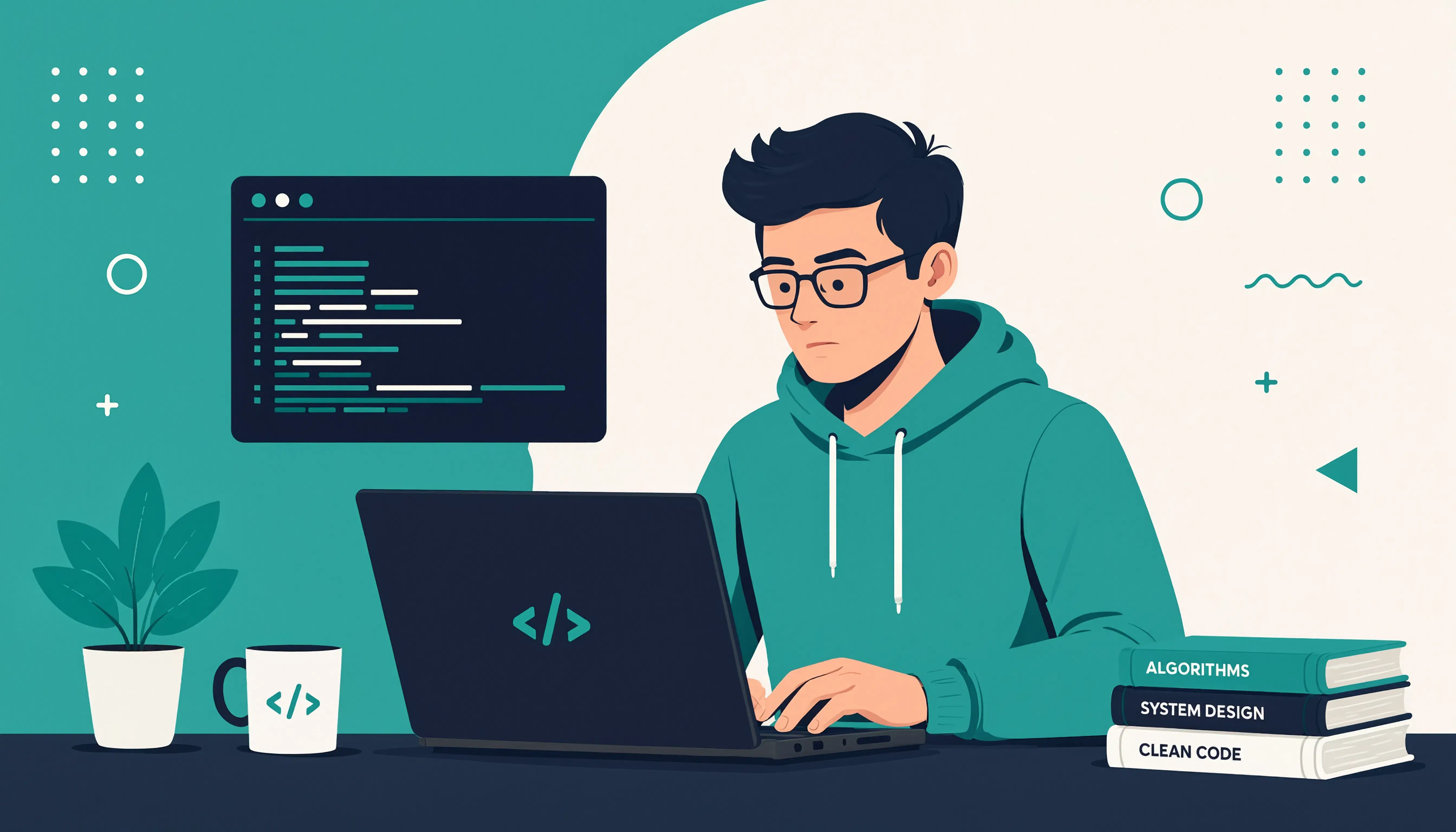
Flat vector graphic illustration of a programmer focused on a laptop screen, clean geometric lines, corporate memphis aesthetic, solid teal and cream color blocks, minimal flat background, high-end tech startup styling --sref brand-style-anchor.jpg[URL] --sw 250 --ar 16:9 --style raw --v 6.0
Why This Works:
--sw 250: A lower style weight. This allows the AI to dynamically adapt the character's pose and objects to your text, but keeps the raw color blocks and clean line weights unified.corporate memphis aesthetic: Sets a historical context for flat, exaggerated human geometry that web crawlers and AI search platforms categorize cleanly.
3. The Abstract Dark-Mode UI Graphic
Technical landing pages require dark, non-distracting visuals that retain deep contrast profiles across multiple pages.
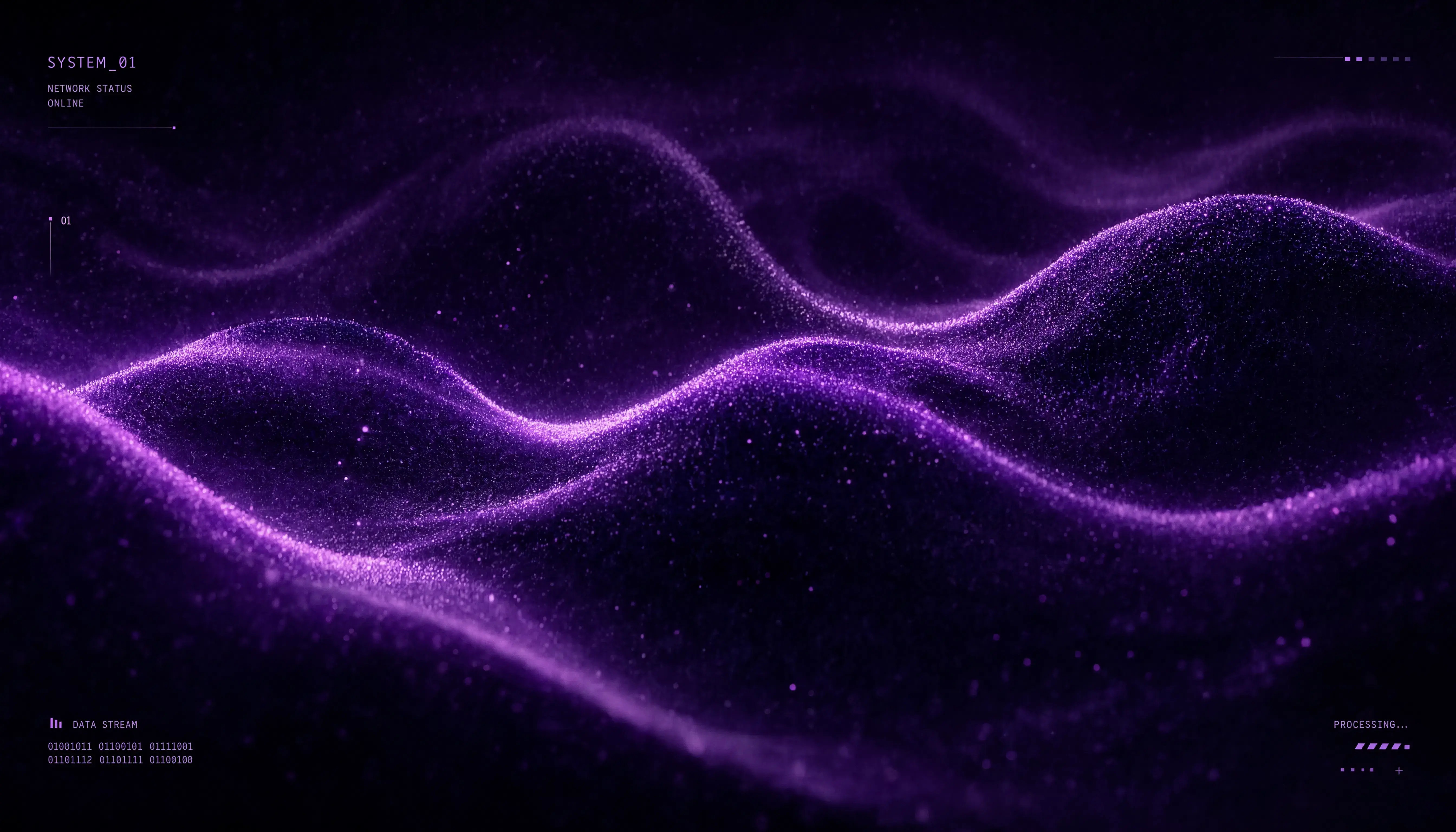
Abstract technological backdrop, dark mode UI theme, flowing neon violet and obsidian mesh gradients, subtle microscopic grain noise texture, smooth organic waves, futuristic cyber aesthetic --sref brand-style-anchor.jpg[URL] --sw 500 --ar 16:9 --v 6.0
Why This Works:
microscopic grain noise texture: Adds uniform tactile premium weight across empty spaces.obsidian mesh gradients: Unifies the deep shadow levels so your dark-mode panels look native and balanced together across different screen pages.
Summary: The Consistency Protocol
To maintain complete control over multi-asset branding, structure your workflow following this system:
- Choose one master image that has your perfect colors and textures.
- Host that image securely (like in your Cloudflare R2 bucket).
- Append the tag
--sref [Your Master Image URL]to every single asset prompt you write.