The Universal Prompt Formula: How to Command Any AI Image Generator
Stop relying on model-specific hacks. Learn the core prompt engineering framework that works flawlessly across Flux, Stable Diffusion, DALL-E, and independent AI engines.
Most prompt guides on the internet teach you platform shortcuts. They tell you to add messy tags, quality buzzwords, or system parameters that only work inside a single closed app.
But when you try to move those prompts to an open-source engine or a new web application, your generations break completely.
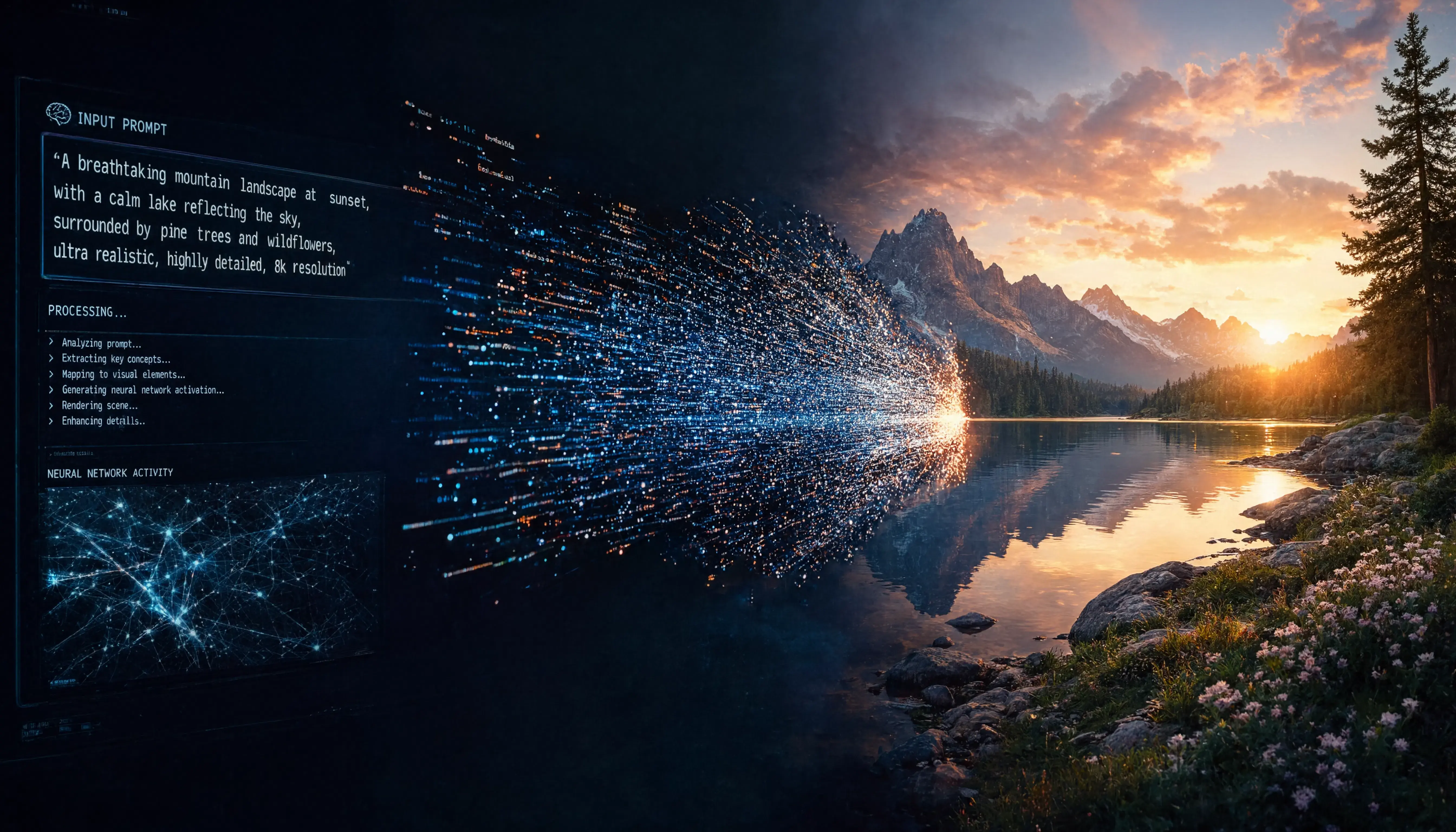
Modern image models process text using advanced neural networks called text encoders. Instead of matching random keywords, they analyze your sentence structure, lighting physics, and camera compositions logically. If you understand the core architecture of how these engines think, you can write a single prompt that works across any state-of-the-art AI model.
Here is the 3-part Master Prompting Framework used by professional AI engineers.
1. The Anchor Layer (Core Subject & Spatial Framing)
The first part of your prompt must establish the primary subject and its exact location in space. Do not list floating adjectives; use clear structural sentences.
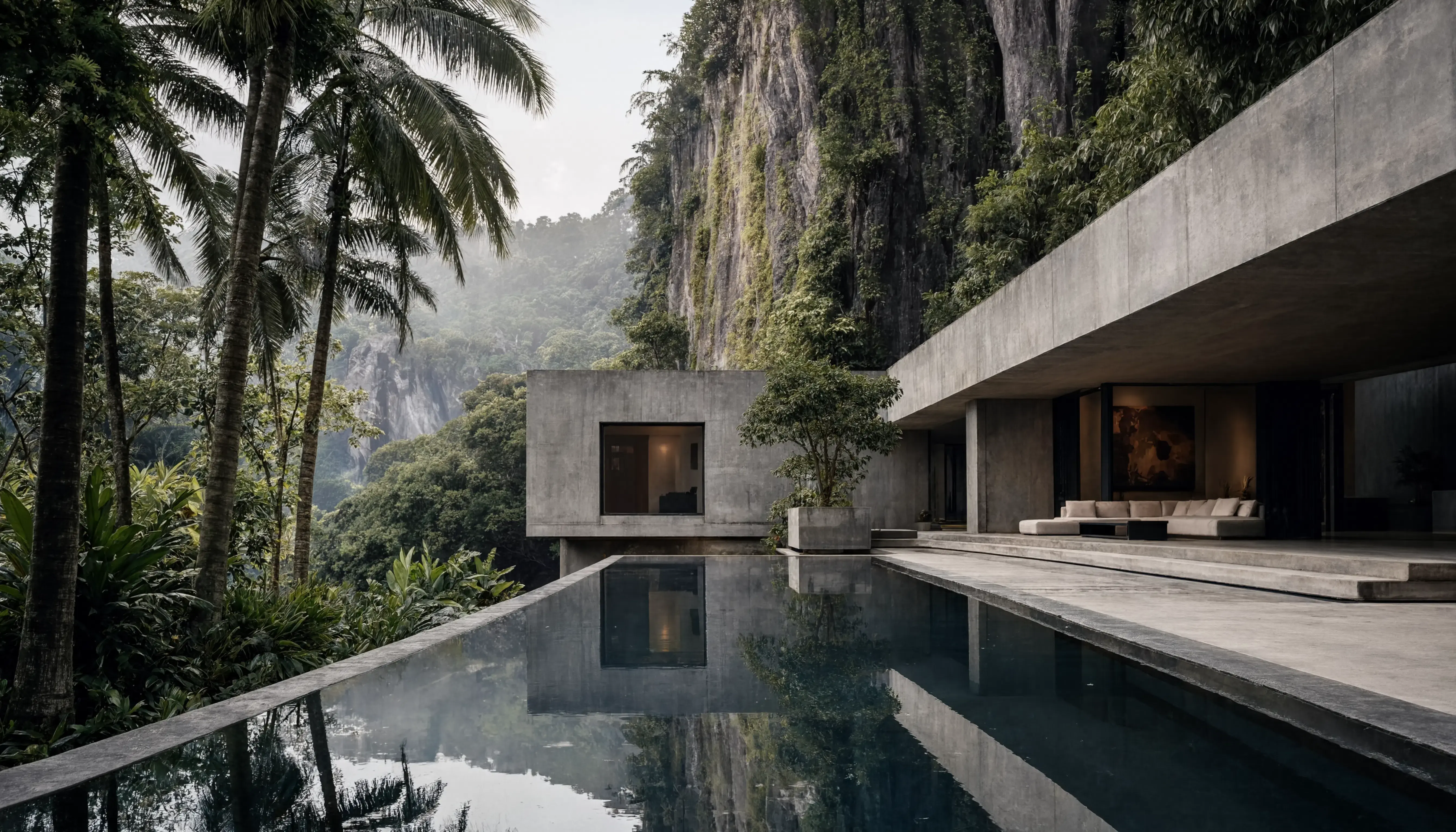
A wide angle architectural photograph of a modern minimalist brutalist concrete villa built inside a deep tropical jungle canyon, a serene reflection pool stretching out in front of the structure, towering palm trees framing the left side of the composition
Why This Works:
built inside&stretching out: Instead of throwing random nouns together, these spatial transition verbs tell the AI engine exactly how to orient the geometry in its latent grid space.framing the left side: This sets clean compositional boundaries, giving you predictable layouts without relying on closed system commands.
2. The Atmospheric Layer (Optical Physics & Lighting)
Instead of using vague terms like "photorealistic," you must describe how light interacts with the environment. Modern AI engines understand real-world optical rendering properties perfectly.

A close-up studio shot of a translucent hand-blown glass sculpture, strong cinematic dramatic side lighting, intense light refraction passing through the geometric glass curves, visible sub-surface scattering creating a warm inner glow, isolated clean dark charcoal background
Why This Works:
light refraction&sub-surface scattering: These are actual physical render concepts. By prompting for the behavior of light, you force the AI to accurately compute micro-shadows and depth, achieving perfect photorealism across any base model.
3. The Camera Metadata Layer (Sensors & Lenses)
The final layer mimics the physical hardware configuration. By describing specific real-world camera settings, you tell the engine what type of grain texture, focal blur, and depth field to generate.
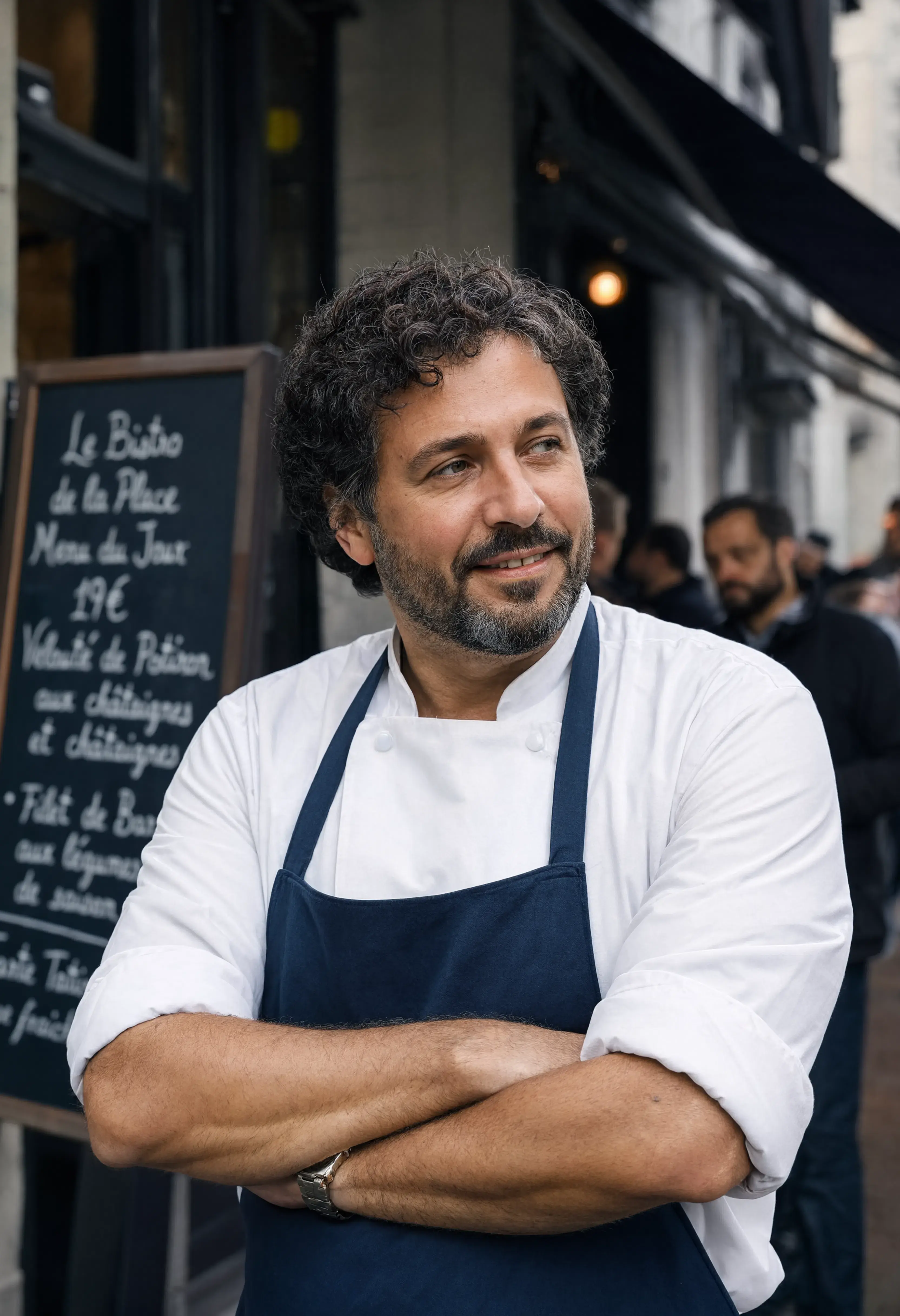
A street style candid portrait of an expressive chef standing outside a busy local bistro, captured on a high-end 85mm prime lens, shallow depth of field, creamy background blur, natural overcast soft daylight, authentic fine film grain texture, high sensor fidelity
Why This Works:
85mm prime lens&shallow depth of field: The engine shifts from flat digital rendering into deep camera optics, creating an elegant backdrop blur naturally.fine film grain texture: Tells the engine's noise predictor to retain micro-details, preventing that slick, fake AI appearance.
Summary: The Master Blueprint
Whenever you sit down to build a prompt for PicBanao or any independent AI platform, drop the platform-specific tags and structure your query using this universal blueprint:
[Specific Subject + Spatial Arrangement] + [Environmental Lighting Physics + Material Textures] + [Camera Lens Optic Metadata]